



RADIOBOSS - RADIO AUTOMATION SOFTWARE

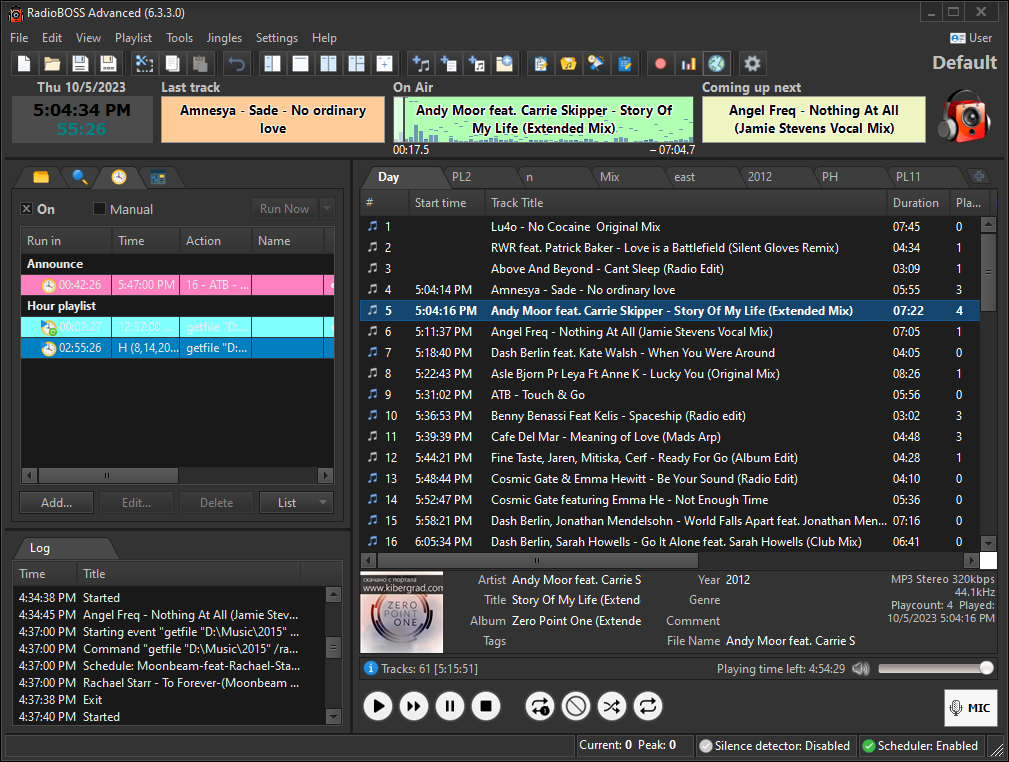
Screenshots
(click to enlarge) 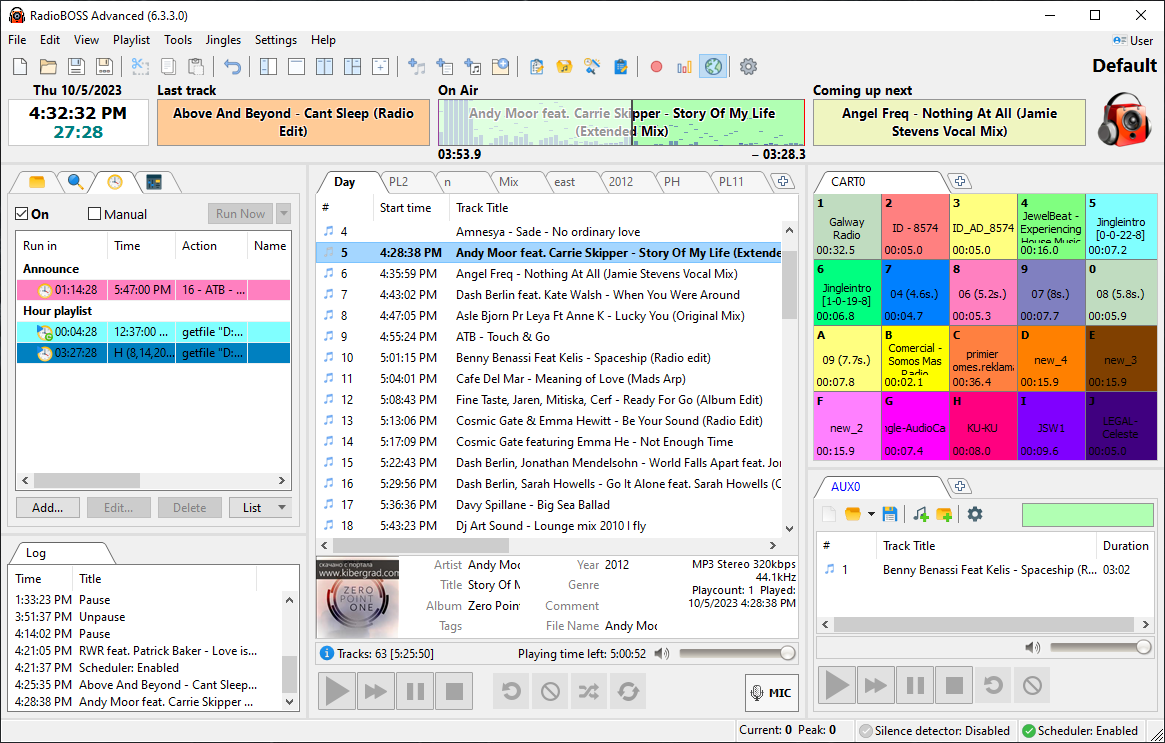
|
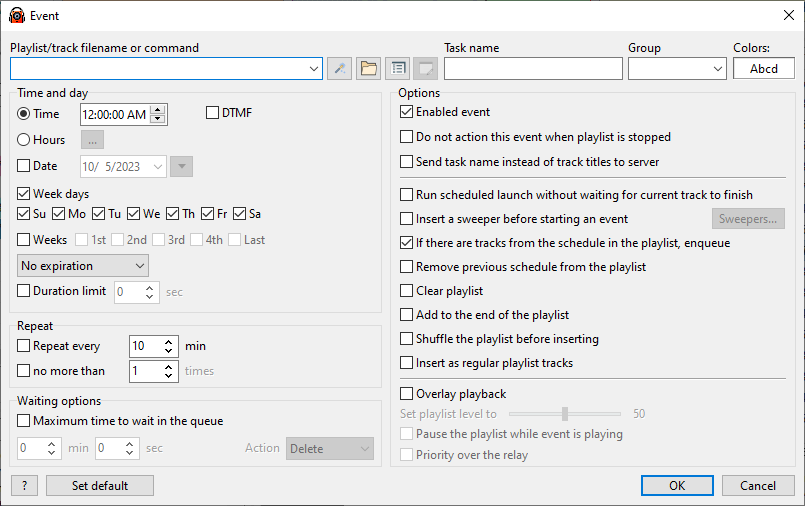
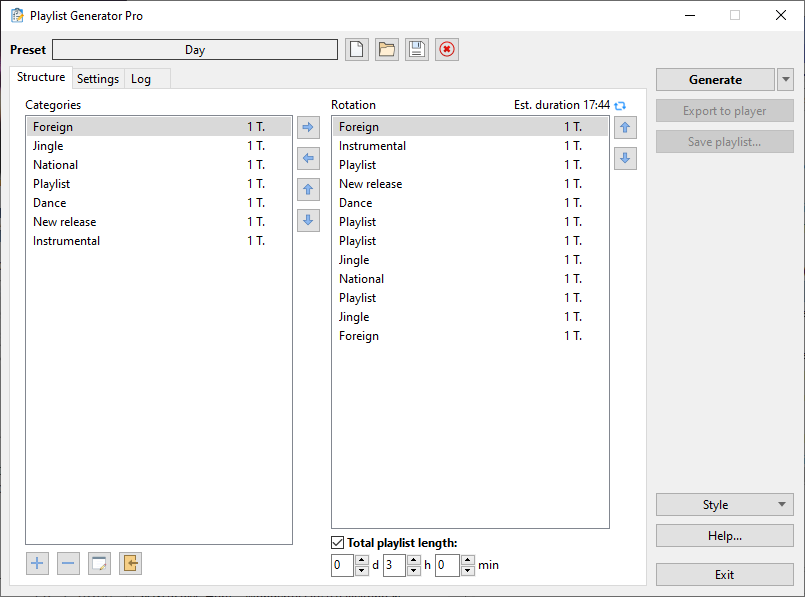
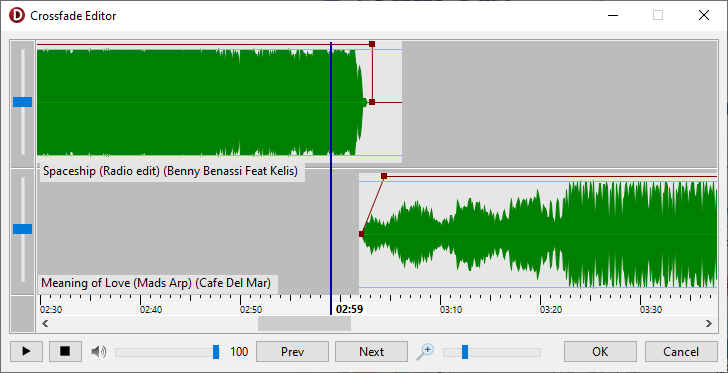
Traditional professional radio programming applications are designed for traditional radio stations that can and expect to pay thousands of dollars for extremely sophisticated and complex software. But what if that's not you? If you need a simple, affordable, reliable solution to automating your broadcasting needs, RadioBOSS radio automation software is the solution you've been looking for. Whether it's building and scheduling crossfaded programming for your terrestrial or Internet radio station, creating the right audio atmosphere in your restaurant or store, or broadcasting from live events, RadioBOSS has been the choice of thousands of broadcasters just like you for the past fourteen years. RadioBOSS makes it easy and fast to convert and manage audio assets, build playlists with advertising support, hourly blocks, rotations, crossfading, automatic leveling and other professional-level features and play your playlists to your local, terrestrial or Internet broadcasting system. Benefits:
|
RADIOLOGGER - RADIO RECORDING SOFTWARE

Screenshots
(click to enlarge) 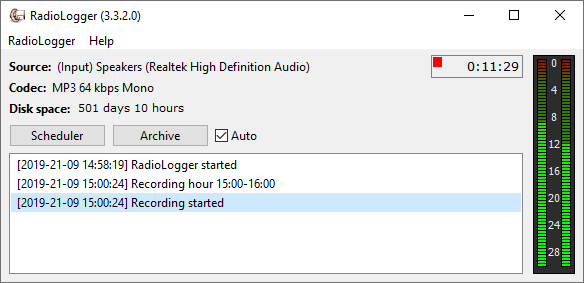
|
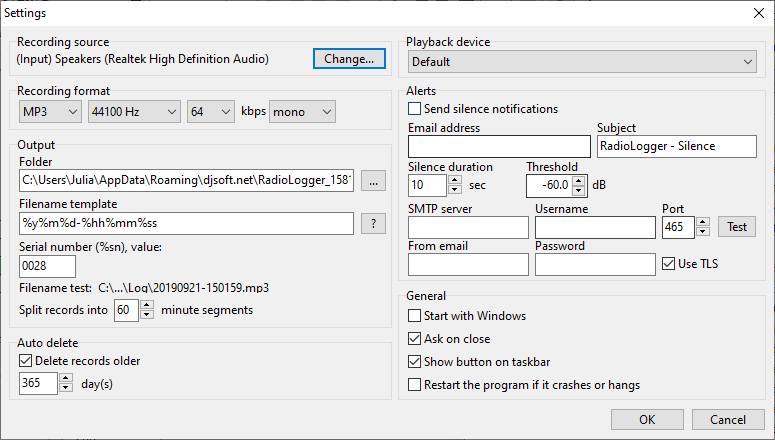
Doing radio right - whether it's creating proof of advertising fulfillment, training new staff or repurposing audio content - means you need a reliable archiving program that won't fill your hard disk or empty your wallet. RadioLogger records your broadcasts continuously or at specified time periods using sophisticated sound compression technologies to produce very small files. Benefits:
|
RADIOCASTER - LIVE AUDIO ENCODER

Screenshots
(click to enlarge) 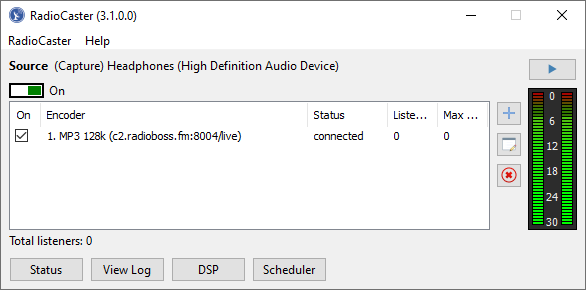
|
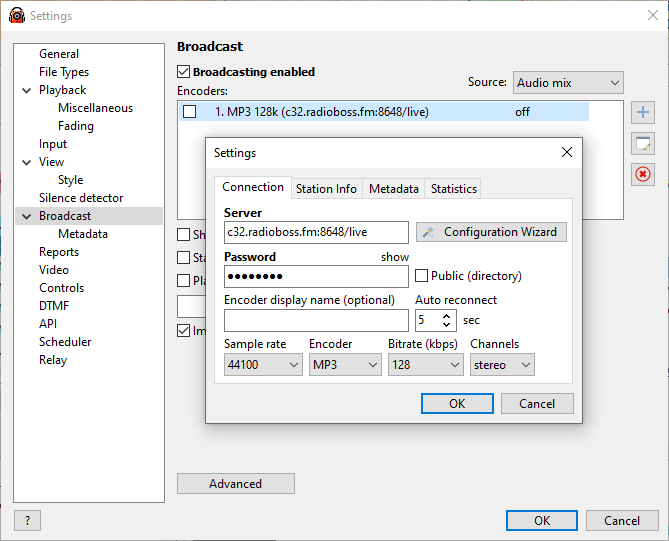
If you have a radio station and you have an internet connection, it should be easy to broadcast your content online. And now with RadioCaster, it is! RadioCaster takes the audio from any computer input or playback device and turns it into glorious internet sound that listeners can access.
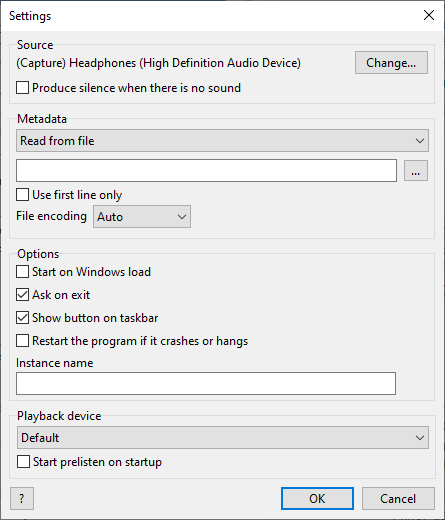
No hacks, no workarounds: RadioCaster just works! With full support for latest Windows versions, transcoding, ASIO devices, metadata... It just works. You have a point-and-click, quick-to-configure tool that will instantly get your radio online to listeners in your city, on your campus, or on the other side of the world. Benefits:
|
STREAM HOSTING FOR INTERNET RADIO

We offer stream hosting services starting at $12/month: https://www.radioboss.fm
Benefits:
Visit RADIOBOSS.FM web site for more information.
Benefits:
Feature rich control panel
Statistic reports
Live streaming
24/7 automation
Port 80 and HTTPS streaming
Quality customer support
Scalable to your audience size: you can get more listeners without a worry
Instant setup
Visit RADIOBOSS.FM web site for more information.
INTERNET RADIO DIRECTORY
Listen to music from hundreds of internet radio stations streaming live right now. List your radio station.
Visit https://stations.radioboss.fm.

Visit https://stations.radioboss.fm.