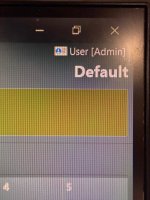
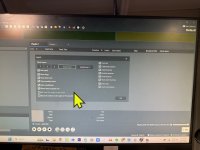
Confused I have searched in my files and couldn’t find anything related to this on this pic i dont have the radioboss icon insted i have default display
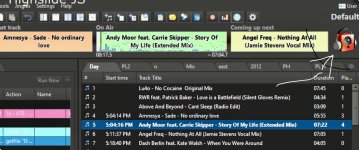
Place your mouse over the black line below the three rectangles until your cursor changes shape.
Click (left button), hold down, and drag down until your logo appears.
Adjust the size as desired.
This site uses cookies to help personalise content, tailor your experience and to keep you logged in if you register.
By continuing to use this site, you are consenting to our use of cookies.