
It is possible to add tracks with "auto intro" to a "Playlist Generator Pro" rotation.

I am trying to set up a rotation where tracks 3 and 7 have "auto intro" enabled. I attempted to do this by inserting the command "autointro enable xxx" into the rotation before track 3, and "autointro disable xxx" after it, but this caused the songs to stop crossfading. Is it possible to achieve this without using these commands?
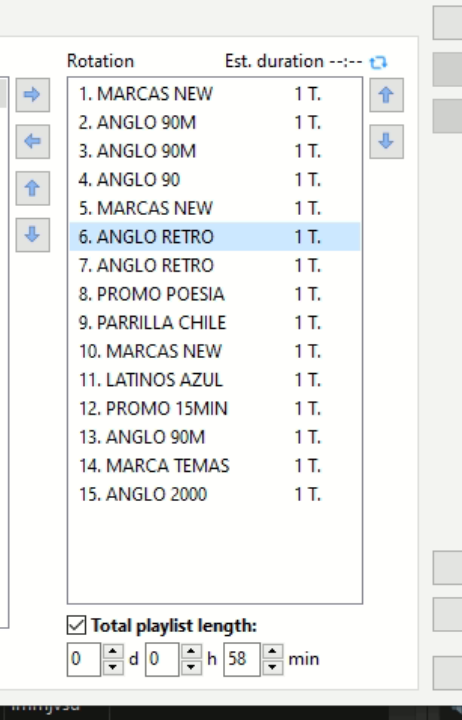
1792701178612.png
 
A proper approach would be to configure the Auto Intro rules so that they only apply to those tracks. However, the problem here is that category 2 and 3 are the same tracks, so it will be harder to configure (one of the approaches would be to make a copy of those tracks).

Otherwise, it's only possible using a command, but as you say it will break crossfades.
 
A proper approach would be to configure the Auto Intro rules so that they only apply to those tracks. However, the problem here is that category 2 and 3 are the same tracks, so it will be harder to configure (one of the approaches would be to make a copy of those tracks).

Otherwise, it's only possible using a command, but as you say it will break crossfades.
I think I’ll have to keep the auto-intro feature turned off for now.
 
Back
Top